When to send what
A simple schedule keeps you consistent. Adjust the days to your payment terms.
| When | Message | Tone |
|---|---|---|
| 2 days before due date | Friendly nudge | Warm |
| Due date | Due-date reminder | Neutral |
| 7 days after | Firm follow-up | Direct |
| 14 or more days after | Final notice | Formal |
1. The friendly nudge (before the due date)
Use this a couple of days before the invoice is due. It reads as helpful rather than pushy.
“Hi [Name], just a quick heads-up that invoice #[0042] for $[amount] is due on [date]. You can pay by [method]. Let me know if you need anything from me. Thanks again for choosing [business]!”
2. The due-date reminder
On the day it is due, assume the customer simply forgot.
“Hi [Name], a reminder that invoice #[0042] for $[amount] is due today. Here is the invoice again for your convenience, along with payment details. If you have already paid, thank you and please ignore this message.”
3. The firm follow-up (about a week late)
Be specific about what you need and by when. Stay courteous, because you still want the relationship.
“Hi [Name], invoice #[0042] for $[amount] was due on [date] and is now [7] days past due. Could you let me know when I can expect payment, or tell me if there is a problem with the invoice? I'd like to sort it out this week.”
4. The final notice (two weeks or more late)
This message states the facts, the deadline and what happens next. Only promise consequences you are prepared and permitted to follow through on.
“Dear [Name], this is a final reminder that invoice #[0042] for $[amount], dated [date], remains unpaid. Please pay in full by [date]. If I have not heard from you by then, I will need to consider further steps. If there is a reason for the delay, please contact me today so we can work something out.”
If a large amount stays unpaid, check the rules where you work on formal demand letters, late fees and small-claims options, and consider getting professional advice.
Tips for getting a reply
- Always include the invoice number, amount and due date. The reader should not have to look anything up.
- Attach the invoice again. Make paying a one-step action.
- Use the channel they answer. Some customers ignore email but reply to texts within minutes.
- Keep a log. Note the date and method of each reminder.
- Offer a solution. If cash is tight, a short payment plan can beat a long delay. Agree it in writing.
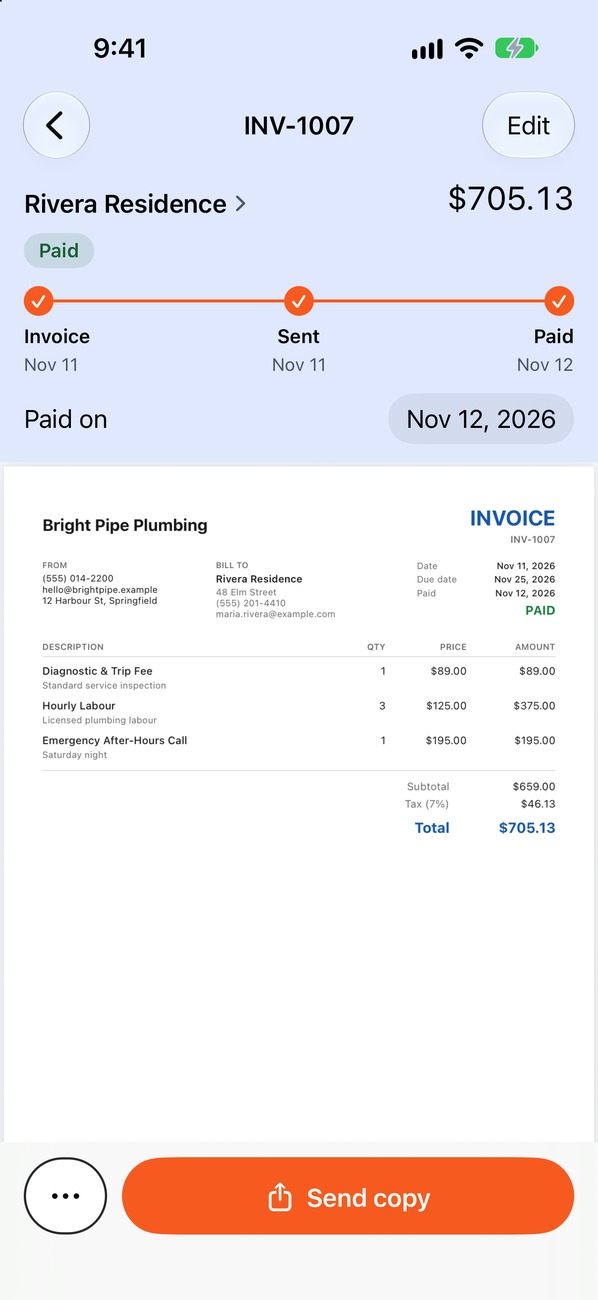
Pago Invoice can remind late payers from your iPhone, with the client's open invoices in one place. For the bigger picture, read how to get paid faster.
Questions about payment reminders
How soon after the due date should I follow up?
The day after is fine for a short, friendly message. Waiting weeks teaches customers that your due dates are flexible.
Should I call or write?
Writing leaves a record, while a call can resolve a misunderstanding quickly. Many people do both: call, then confirm the outcome in writing.
What if the customer disputes the invoice?
Ask which line they question and compare it with the estimate and any approved changes. Fixing a genuine error quickly usually gets you paid sooner.
Can I add interest or a late fee after the fact?
Only if it was agreed in advance and is allowed locally. Otherwise, it can sour the relationship and create a dispute.