Electrical estimates for service calls, repairs and installations
Make the call-out, diagnostic work and requested repair easy to distinguish. A clear scope helps customers understand what is included before you start.
Free to start · iPhone · No account needed

Separate the visit from the repair
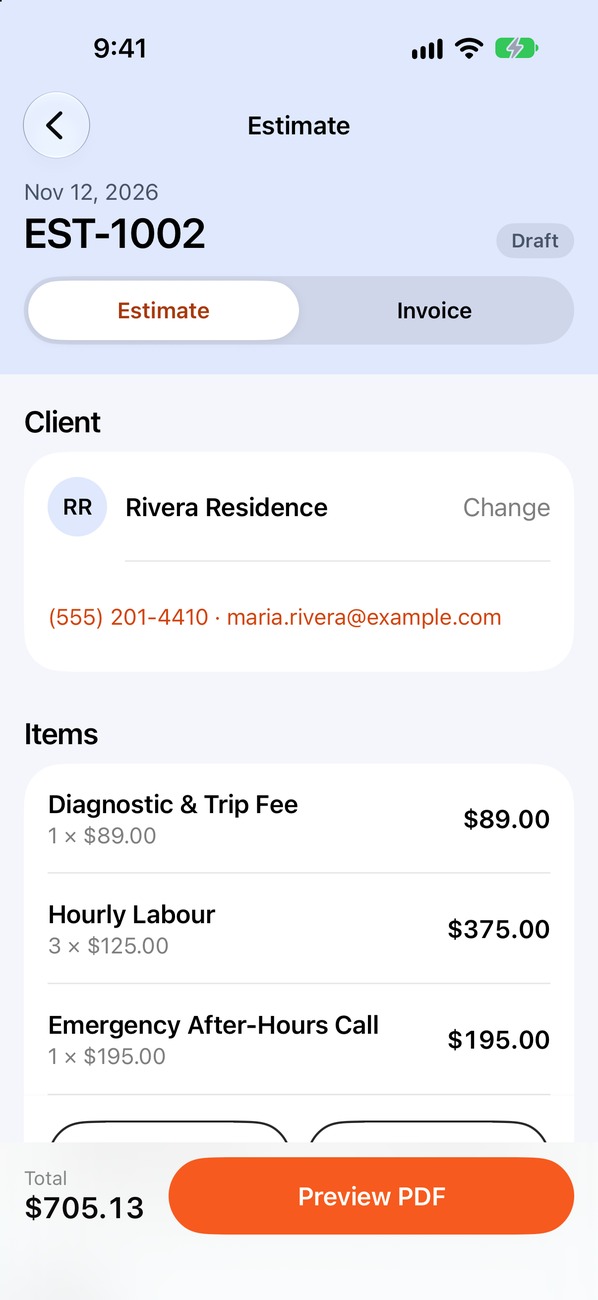
Show any service-call charge separately from the work that follows. If troubleshooting uncovers additional work, explain the revised scope and get approval before adding it.
Describe the call-out
Record the reported issue and what the initial service includes.
Break out labor and parts
List identified materials separately from time on the job.
Document added work
Keep approved scope changes visible on the estimate or invoice.
Follow up on payment
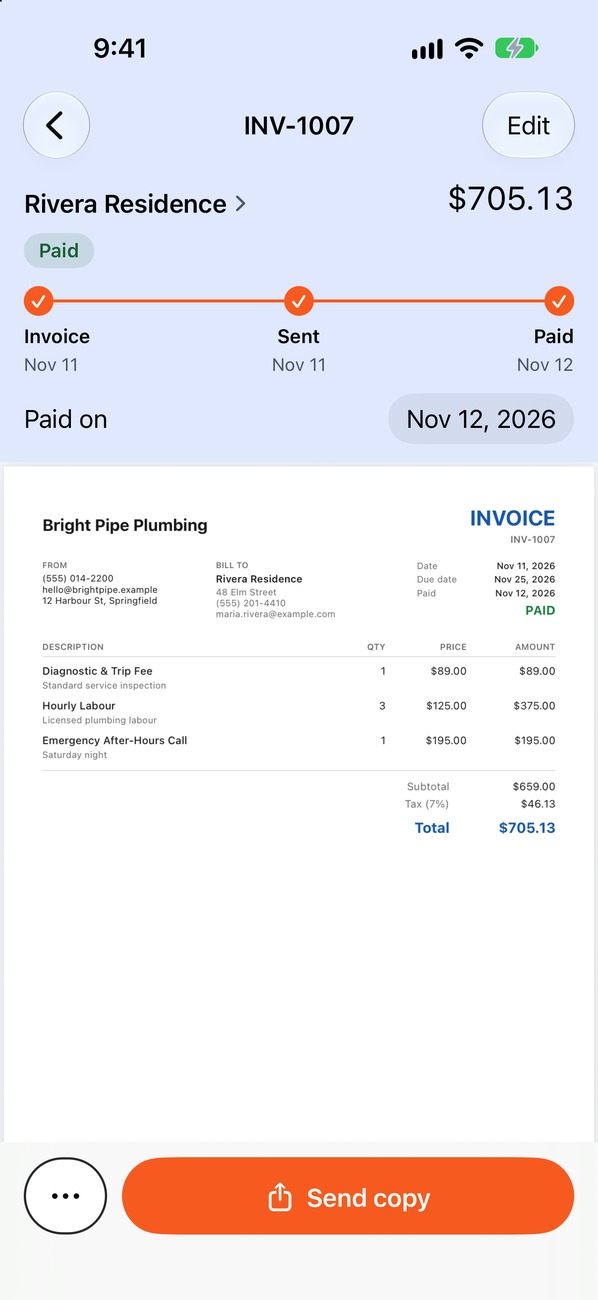
Mark the invoice paid when the money arrives, or send a reminder if it is late.
Electrical work to itemize
Use these as prompts for your own service names and rates. They are examples, not required line items or recommended prices.
Electrical work to itemize
- Service call and diagnosis
- Outlet or switch replacement
- Lighting and fixture installation
- Panel or EV charger work
Edit the descriptions, quantities and prices to match the job.
Questions about electrical estimates
Answers shaped around the details that matter for this kind of work.
Should a service call be a separate line item?
If you charge a trip or diagnostic fee, listing it separately makes it clear what the initial visit covers.
How do I handle extra work found during a repair?
Describe the newly discovered work and its cost, then get customer approval before proceeding where possible.
Can I use my own electrical rates?
Yes. Edit the service list, descriptions, quantities and rates to match your business.
Build your next electrical estimate on site.
Add your own services and rates, then keep the invoice and payment record with the job.
 iPhone · iOS 17 or later · Free to start