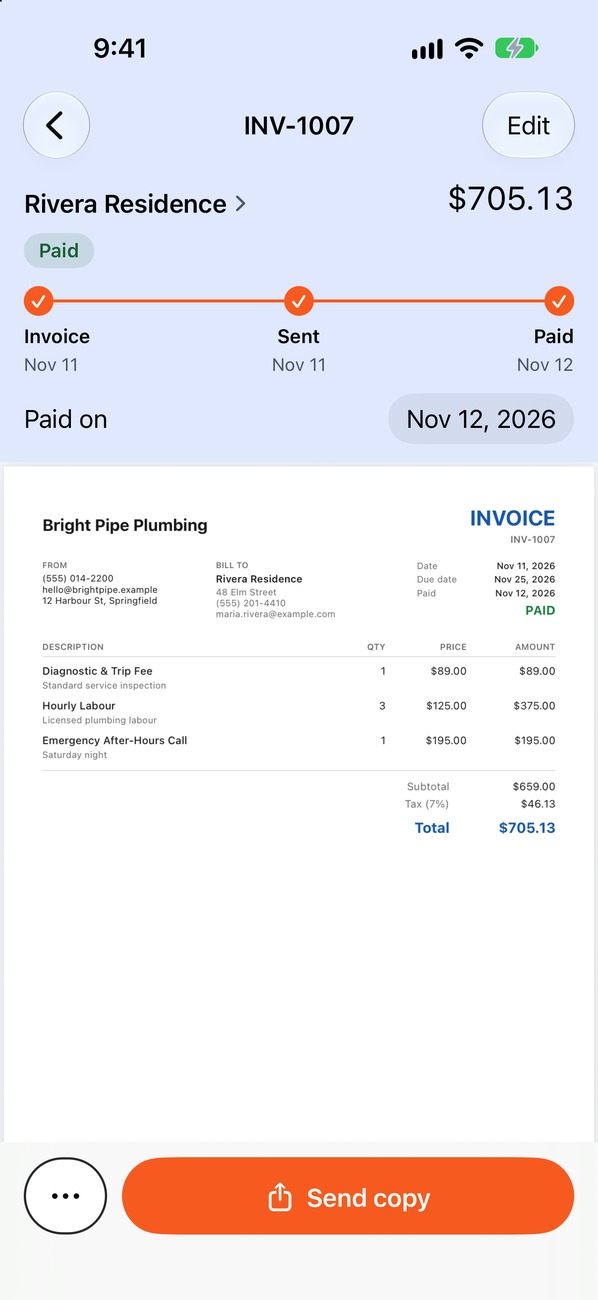
What every freelance invoice includes
- Your name or business name, contact details and, where required, a tax or business ID.
- The client's name, company and billing address.
- A unique invoice number and the issue date.
- A description of the work: project name, deliverable or period covered.
- The amount, broken down by hours, fixed fee or milestone.
- Tax, if you charge it where you work.
- The due date and the payment instructions.
The same fundamentals apply to every trade. For a field-by-field version see the contractor invoice template.
Hourly, fixed price or milestone: pick the right layout
| Model | What the invoice shows | Watch out for |
|---|---|---|
| Hourly | Dates or task names, hours worked and your rate per line | Agree how you round time and when overtime applies |
| Fixed price | The project name, the agreed fee and anything extra as its own line | Define the scope and number of revisions in the estimate |
| Milestones | Each milestone, its percentage and which are paid and unpaid | Tie each payment to a clear, checkable deliverable |
| Retainer | The period covered, the monthly fee and any overage | State what the retainer includes and what is billed extra |
A worked example
A fixed-price brand-design project with a deposit and one extra revision round. Figures are examples only.
| Description | Amount |
|---|---|
| Brand identity: logo, palette, typography (agreed fee) | $2,400.00 |
| Extra revision round (beyond the 2 included) | $300.00 |
| Total | $2,700.00 |
| Deposit received Oct 20 (40% of agreed fee) | −$960.00 |
| Balance due by Nov 26 | $1,740.00 |
The extra revision has its own line, so the client sees exactly why the total is higher than the original quote. Earlier payments are shown and subtracted, as covered in deposits and partial payments.
Extras worth adding
- Payment terms. A real due date, not only “Net 30.” See payment terms explained.
- Currency. If you work across borders, state the currency clearly on every amount.
- A reference. Add a purchase order or project number if the client uses one.
- Usage or ownership terms. If rights transfer on payment, say so in your agreement and on the invoice.
- A thank-you line. It costs nothing and is remembered.
Sending and following up
Invoice at the milestone or period end rather than weeks later. Send a PDF, state the due date in your message, and put a reminder on your calendar. If a payment is late, use a short, friendly note first: our reminder templates give you the wording. Pago Invoice has a ready freelancing setup with your own services and rates, and the photography setup works well for shoot-based billing.
Questions freelancers ask
Should I invoice upfront?
For new clients and larger projects, a deposit is common practice. It reduces your risk and confirms the client is committed. Put it in the estimate before work begins.
When should I send the invoice?
On delivery, at the milestone or at the end of the billing period you agreed. Do not wait for the client to ask.
Do I need to add tax to a freelance invoice?
That depends on your location, your business status and the client. Rules differ widely, so check with a local accountant or the tax authority.
What if the client wants changes after delivery?
Refer to the scope in your estimate. Included revisions are free, while extra rounds are billed as their own line, as in the example above.